Multiple Choice Question Templates (OMR Templates)
Check our really simple tutorial to learn how to creat forms in MS Word
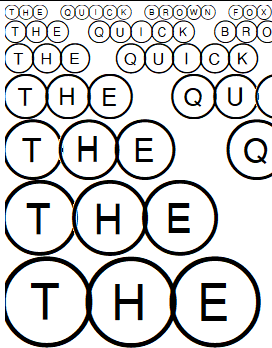
OMR Font
Bubble
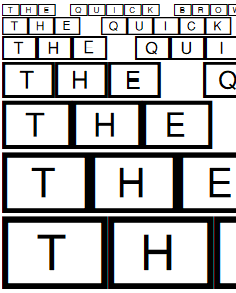
OMR Font
Rectangle
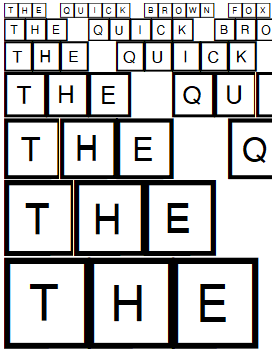
OMR Font
Square
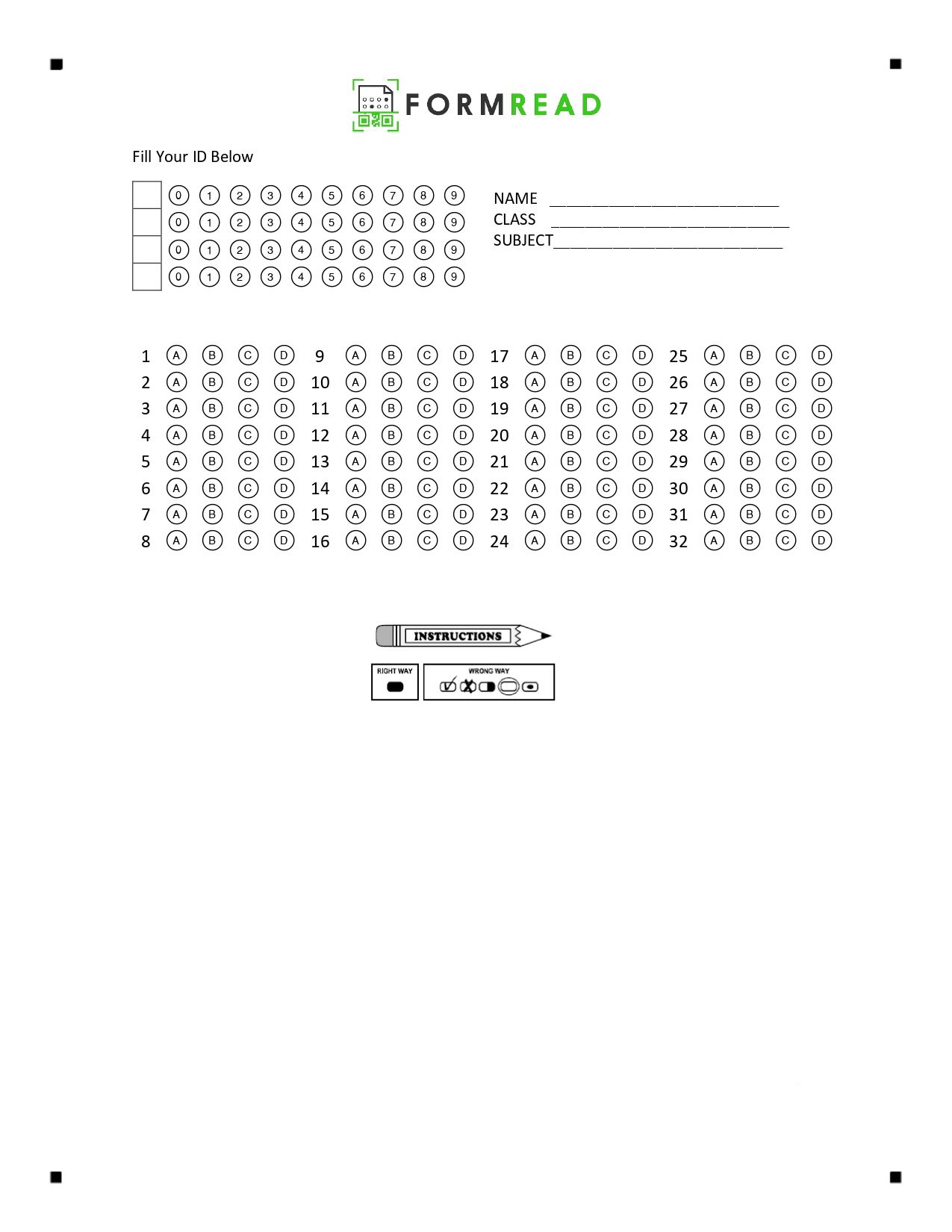

35-Q
Letter
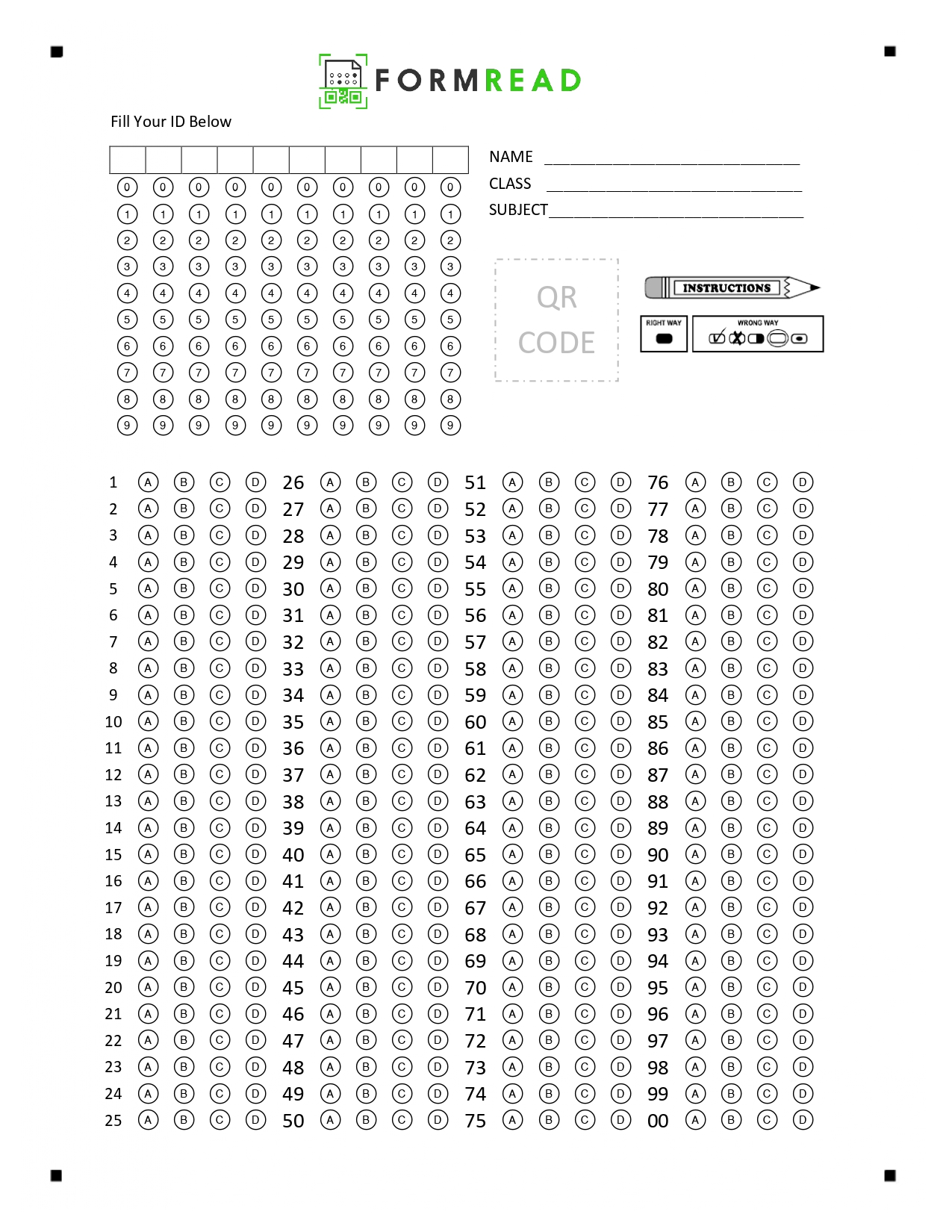
100-Q
Letter
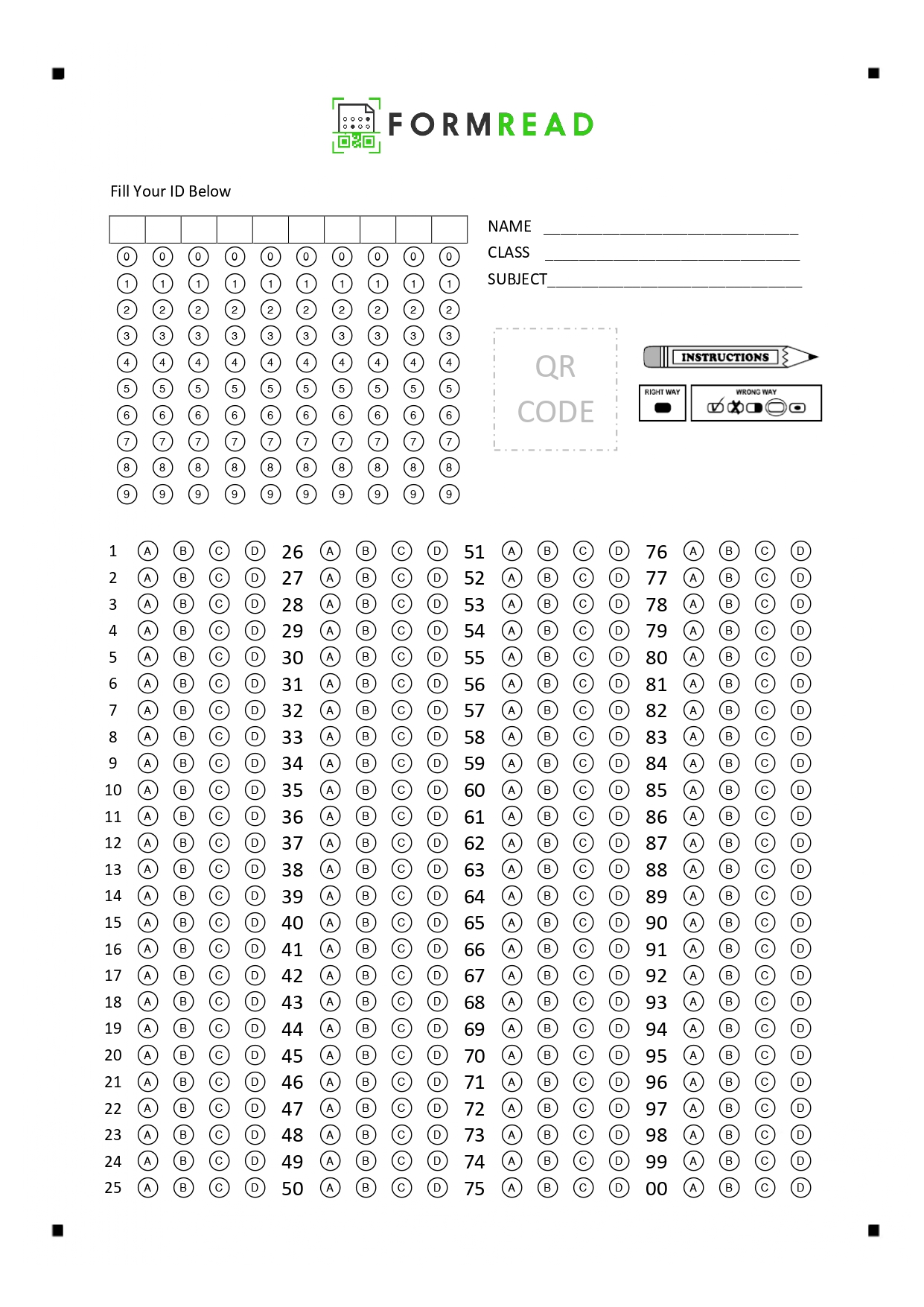
100-Q
A4
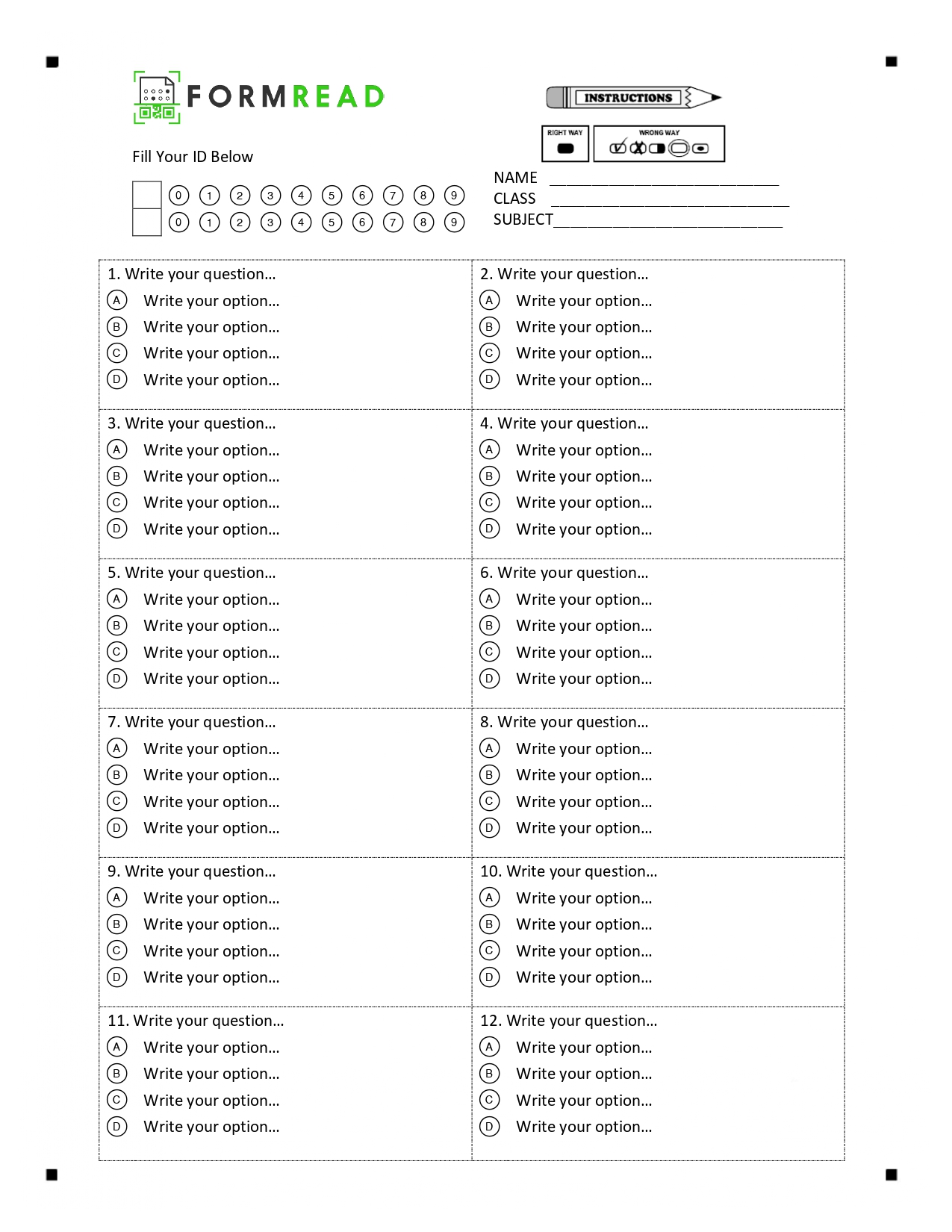
12-Q
Questionnaire
Blank
A4/Letter
Frequently Asked Questions
Are these OMR templates really free to use?
Yes - all of the templates and fonts on this page are free to download and use for personal, classroom, and commercial purposes. No attribution required.
Which file formats are available?
Answer-sheet templates come in PDF (print-ready), DOCX (editable in Microsoft Word), and JPG (for quick previews or digital distribution). OMR fonts are shipped as ZIP archives.
What's the difference between Letter and A4 sizes?
Letter (8.5 × 11 in) is the standard paper size in the US and Canada. A4 (210 × 297 mm) is standard in most other countries. Pick whichever matches your local paper stock - the bubble layout is equivalent.
Can I edit the templates to change the number of questions or the title?
Yes. Open the DOCX file in Microsoft Word, edit the header, student-info fields, or add/remove rows of bubbles. Keep the bubble size and spacing consistent so the scanner still reads them reliably.
What scanner do I need to use these templates?
Any regular scanner or smartphone camera works with FormRead. You don't need a Scantron machine or any proprietary hardware.
Stop grading forms by hand.
Put FormRead to work now: create your form, scan your first sheet, and get structured results in minutes.
Start now — no credit card required